

For color-critical commercial spots, require DaVinci Resolve. For motion-graphics-heavy campaigns where your team lives in Adobe Creative Cloud, require Premiere Pro. For most agency work, the smarter question isn't which is better — it's which fits the vendor's existing pipeline and your deliverable spec.
When to require Premiere Pro:
- Motion-graphics-driven campaigns needing Dynamic Link to After Effects
- Teams already running Adobe Creative Cloud across design and editorial
- Projects where Frame.io review-and-approval is the agency standard
- Rapid-turn social content with heavy caption and translation needs
When to require DaVinci Resolve:
- Color-critical broadcast spots, brand films, or cinema-grade deliverables
- End-to-end single-application workflows (edit, color, audio, VFX in one app)
- Multi-editor studio setups where native collaboration matters
When to accept either:
- Long-form content where the vendor can demonstrate a clean XML/AAF handoff
- Projects where you'll specify deliverable artifacts (graded master, reference LUTs, proxy set) regardless of NLE
The decisive factor for agencies is existing infrastructure, not raw capability.
Table of Contents
- How we evaluated Premiere Pro vs DaVinci Resolve
- How round-tripping works between the two NLEs
- How steep is the learning curve for each tool?
- What are the GPU and hardware requirements?
- Pricing and licensing for US agencies
- Which tool fits your agency's project type?
- How the NLE choice affects hiring and timelines
- How do After Effects, Photoshop, and audio tools integrate?
- Where do you get support and community resources?
- How often do these tools update, and where are they headed?
- Platform compatibility and OS requirements
- MINIM works in either pipeline — and takes the decision off your desk
- Key Takeaways
How we evaluated Premiere Pro vs DaVinci Resolve
This comparison draws on published expert reviews, Blackmagic Design and Adobe product documentation, and hands-on production experience across commercial editorial and color workflows. Render performance notes reflect published testing: DaVinci Resolve Studio outpaced Premiere Pro on render speed in PCMag's head-to-head testing, while the free Resolve build ran significantly slower due to limited GPU acceleration. Evaluation criteria covered editing workflow, color tooling, collaboration architecture, integration depth, pricing structure, and hardware demands — the axes that actually move agency procurement decisions.
How round-tripping works between the two NLEs
The most common professional pipeline isn't a binary choice. Many agencies edit in Premiere Pro for timeline speed and After Effects integration, then export an XML or AAF to DaVinci Resolve for final color. Resolve reconforms the cut, the colorist works in its node-based environment, and the graded master comes back as a deliverable.
Resolve imports XML, AAF, EDL, and FCPXML natively, so the handoff is clean when the vendor prepares it correctly. The risk is in the prep: unrendered motion-graphics, missing media, or unflattened effects break the conform. When scoping vendor deliverables, require explicit handoff artifacts — XML/AAF export, validated color-graded master with reference LUTs, full asset list, and a proxy set.
How steep is the learning curve for each tool?
Premiere Pro is faster to onboard. Its timeline-based interface follows conventions editors already know, and Dynamic Link to After Effects removes the need to re-learn motion-graphics tooling. A generalist editor can be productive in Premiere within days.
Resolve demands more. Its page-based UI — Media, Cut, Edit, Fusion, Color, Fairlight, Deliver — is nonstandard, and the node-based color and Fusion compositing workflows require specialist training. Budget real ramp-up time for any team moving from Premiere to Resolve's color page. The payoff is broadcast-level grading control that Lumetri simply can't match.
What are the GPU and hardware requirements?
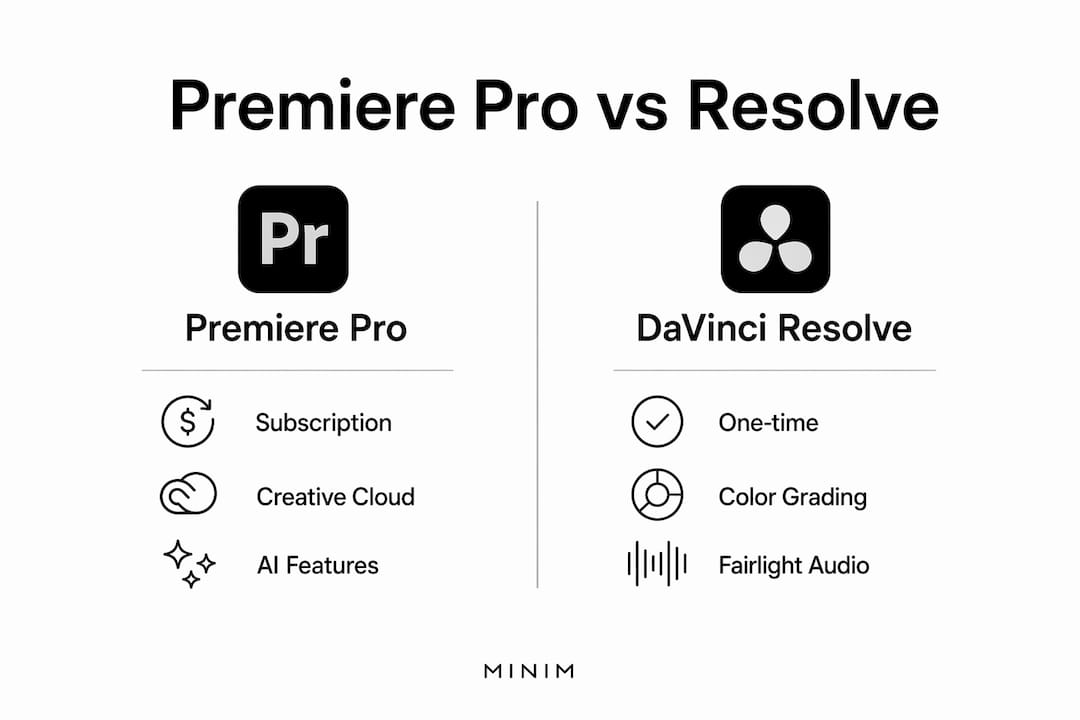
Both applications require powerful hardware. The meaningful difference is in licensing: free DaVinci Resolve lacks full GPU acceleration, which makes large-project renders noticeably slower. DaVinci Resolve Studio unlocks hardware acceleration and handles high-resolution, high-frame-rate timelines more efficiently. Premiere Pro has improved GPU utilization in recent releases, with hardware-accelerated decode improvements shipping in 2025 updates.

For agency procurement: if a vendor is running free Resolve on a mid-spec workstation, render times on a 4K campaign will reflect it. Require Studio licensing and confirm GPU specs before signing off on a timeline.
Pricing and licensing for US agencies
| Product | Pricing model | US cost |
|---|---|---|
| Adobe Premiere Pro | Subscription | $263.88/yr |
| Adobe Creative Cloud (all apps) | Subscription | — |
| DaVinci Resolve Studio | One-time purchase | $295 |
| DaVinci Resolve (free) | Free | — |
Resolve Studio's one-time cost of $295 looks compelling, but retraining and workflow disruption for teams embedded in Adobe CC can offset the software savings quickly. The math favors Resolve Studio on software cost alone after roughly 13 months versus a Premiere Pro annual plan ($263.88/yr). The real cost is the transition.
Which tool fits your agency's project type?
Broadcast and cinema-grade spots: Resolve. Node-based color, Dolby Vision output, and Fairlight's full DAW capabilities — including surround sound up to 22.2 — are built for broadcast delivery specs. If your vendor is delivering to network or OTT, Resolve is the stronger fit.
Motion-graphics campaigns and brand content: Premiere Pro. Dynamic Link means a designer can update an After Effects composition and the Premiere timeline reflects it instantly, no re-export. For campaigns where the motion-graphics are the product, that speed matters.
Social and rapid-turn content: Premiere Pro's AI-powered features — auto-translate captions across 27 languages, Generative Extend, Media Intelligence search — are built for volume. Resolve's Neural Engine offers scene detection and smart reframe, but Premiere's social-output presets and Frame.io integration make it faster for agency approval cycles.
Long-form and documentary: Either works. The decision comes down to whether the project needs Resolve's color depth or Premiere's CC ecosystem.
How the NLE choice affects hiring and timelines
Requiring Premiere Pro gives you a larger freelance pool. It's the dominant NLE in agency editorial, which means faster staffing and lower day rates for generalist editors. Resolve specialists — particularly colorists — command a premium, but they're the right call for color-critical work.
The pipeline choice also affects deliverable timelines. A Premiere-to-Resolve round-trip adds a conform step. Done well, it adds a day. Done poorly, it adds a week of rework. Locking down handoff specs upfront — XML/AAF, proxy set, asset list — is what separates a clean delivery from a fire drill.
How do After Effects, Photoshop, and audio tools integrate?
Premiere Pro's integration with the Adobe Creative Cloud suite is its clearest competitive advantage for agency work. Dynamic Link to After Effects, live Photoshop layer editing, and Audition round-trips are native. Frame.io handles review and approvals without leaving the Adobe environment.
Resolve's answer is self-contained: Fairlight handles audio at a professional level (for a comparison of dedicated DAW options for mixing, Fairlight holds its own against standalone tools), and Fusion handles node-based VFX compositing inside the same application. What Resolve lacks is the Adobe ecosystem's breadth — no native Photoshop or Illustrator link, no Dynamic Link equivalent.
Where do you get support and community resources?
Adobe's support infrastructure is larger: enterprise support tiers, a vast user community, and continuous documentation updates tied to the subscription model. Premiere Pro's learning resources are deep, and the Frame.io community adds a layer of workflow-specific guidance.
Blackmagic Design offers free training through DaVinci Resolve's official certification program, which is genuinely rigorous and well-regarded in post-production. The Resolve community on forums like Lift Gamma Gain is active and technically sophisticated. For agencies onboarding a new colorist or editor, Blackmagic's free training is a real asset.
How often do these tools update, and where are they headed?
Adobe ships Premiere Pro updates on a rolling basis tied to the Creative Cloud subscription. The 2025 release cycle added Generative Extend, Media Intelligence, and hardware-accelerated decode — AI tooling is clearly Adobe's near-term development focus.
Blackmagic Design releases major Resolve versions annually, with point updates between. DaVinci Resolve 20 is the current release. Blackmagic's roadmap leans into collaboration infrastructure (Blackmagic Cloud, proxy workflows) and hardware integration with its own camera ecosystem. Both NLEs are actively developed; neither is standing still.
Platform compatibility and OS requirements
Both Premiere Pro and DaVinci Resolve run on macOS and Windows, with native Apple silicon support. DaVinci Resolve Studio also runs on Linux, which matters for studios running Linux-based render pipelines. Neither offers a full mobile editing experience, though Blackmagic has released a free iPad version of DaVinci Resolve with a subset of features.
For agency procurement, confirm the vendor's OS and confirm that Studio (not free Resolve) is licensed if the project involves high-resolution or HDR delivery.
MINIM works in either pipeline — and takes the decision off your desk
Choosing between Premiere Pro and DaVinci Resolve is a vendor management problem as much as a technical one. MINIM operates natively in both Premiere Pro–based and DaVinci Resolve–based pipelines, delivering to your spec regardless of which NLE your internal team prefers.

MINIM's full-service production capabilities cover editorial, color grading, motion graphics and VFX, audio mix, versioning, and multi-format delivery for social, broadcast, and web. Every project includes format-validated masters, render-checked exports, version control documentation, and timeline handoff artifacts — the items that prevent rework and keep your post pipeline clean. See the work at MINIM's portfolio, then reach out to scope your next campaign.
Key Takeaways
For agency creative directors, the Premiere Pro vs DaVinci Resolve decision comes down to pipeline fit, project type, and vendor capability — not which NLE is objectively superior.
| Point | Details |
|---|---|
| Infrastructure drives the choice | Teams embedded in Adobe CC should default to Premiere Pro; color-critical studios favor Resolve. |
| Round-tripping is standard practice | Edit in Premiere, finish color in Resolve — require XML/AAF, LUTs, and a proxy set at handoff. |
| Resolve Studio costs — once | Premiere Pro runs $263.88/yr; software savings from Resolve can be offset by retraining costs. |
| Hiring pool differs by NLE | Premiere Pro editors are more available; Resolve colorists command a premium but deliver broadcast-grade color. |
| MINIM delivers in either pipeline | MINIM integrates with Premiere or Resolve workflows and provides format-validated masters and full deliverable documentation. |
Recommended
- MINIM | Content Production Company
- Work | Elevate Your Content — Get Started Today — MINIM | Content Production Company
- Our Services | Enhance Your Brand Today — MINIM | Content Production Company
- Our Services (Copy) | Elevate Your Brand Today - Explore Our Services — MINIM | Content Production Company