
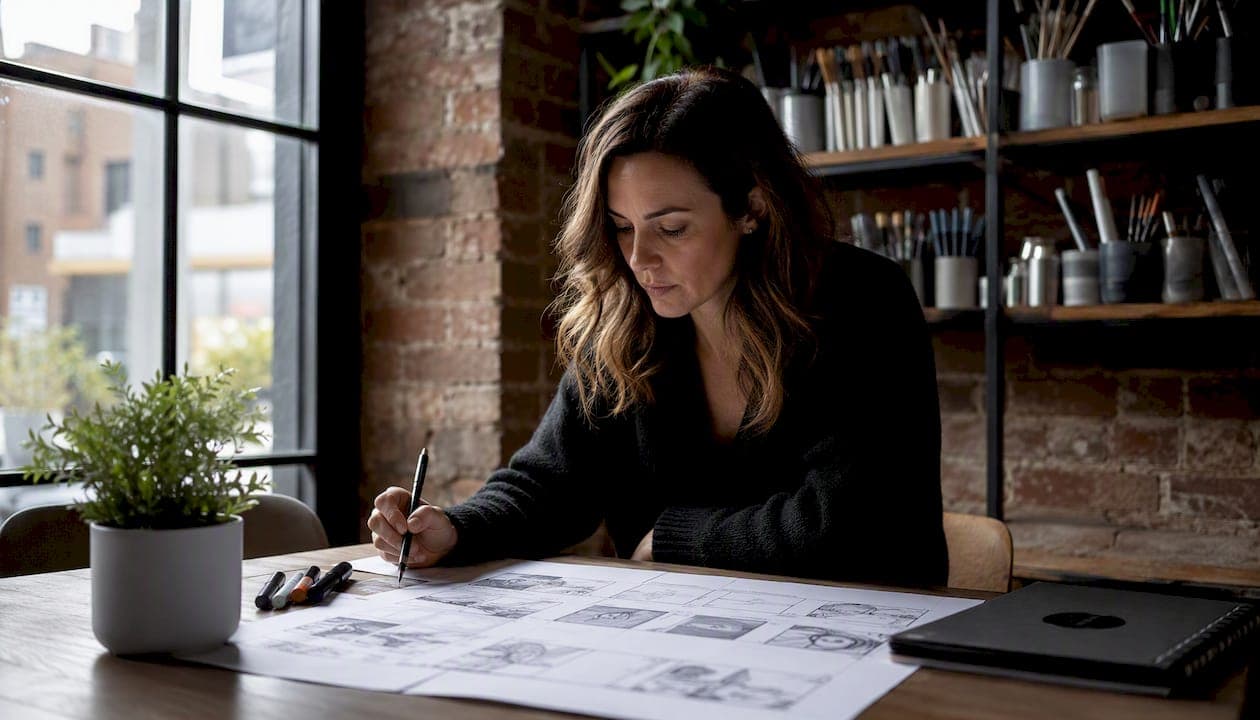
A commercial storyboard is the frame-by-frame visual blueprint that maps your script, shot design, and timing into a single document that guides production and earns client approval. Before you open a template, do three things: lock the creative brief and script (including final duration and CTA), confirm your master aspect ratio (16:9 for broadcast and most digital), and decide which board style fits the project — rough thumbnails for fast internal iteration, tightly rendered or photoreal panels for high-stakes client pitches. MINIM builds every commercial engagement around this sequence, and the rest of this guide explains exactly why it works.
- Lock the brief and script first. A 30-second spot typically breaks into 8 to 12 storyboard panels, as is standard in commercial production. Every frame you draw before the script is final is a frame you will redraw.
- Confirm your master format. Board 16:9 first, then mark frames that need reframing for vertical or square social cutdowns — never try to compose multiple aspect ratios in a single panel.
- Pick your fidelity level. Thumbnail boards for speed and iteration; photoreal boards when the client needs to see production quality before signing off.
Table of Contents
- What is a commercial storyboard, and how does it differ from a shot list or animatic?
- What goes inside each storyboard panel?
- Which storyboard style fits your project?
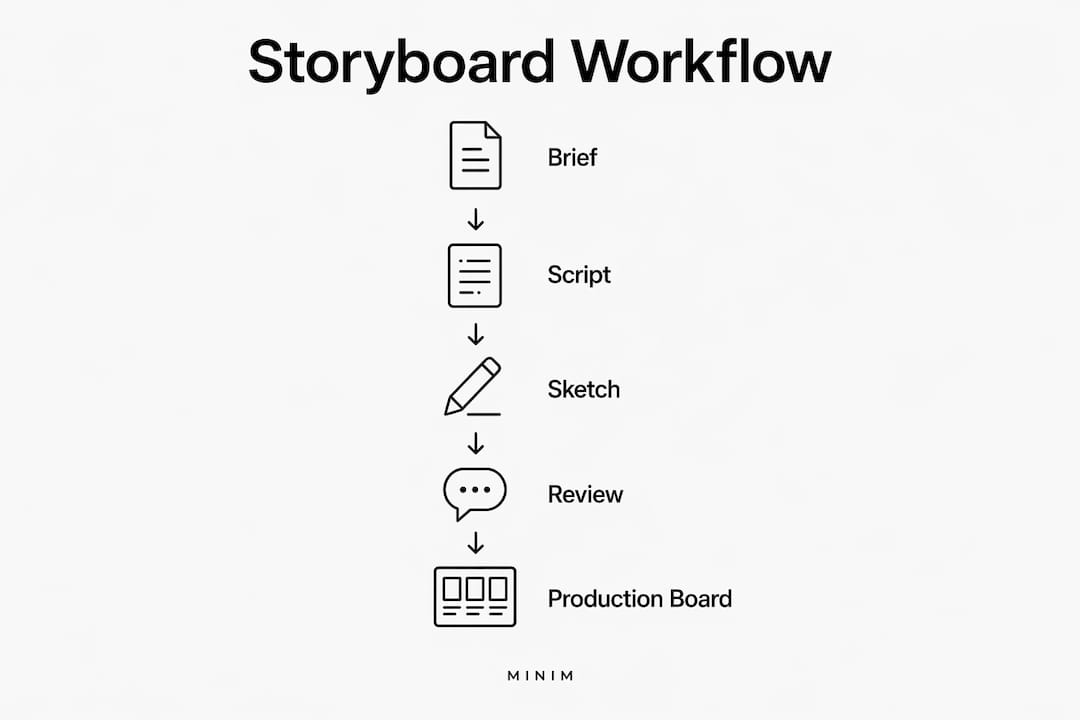
- How do you create a commercial storyboard from brief to final board?
- Which tools and templates speed up commercial storyboarding?
- Annotated commercial storyboard examples
- How does the storyboard connect to your production documents?
- How do you present a storyboard to a client and get sign-off?
- How MINIM uses storyboards in commercial workflows
- Key Takeaways
- The case for treating the storyboard as a contract, not a sketch
- MINIM handles the full storyboard-to-screen pipeline
- Useful sources and templates
What is a commercial storyboard, and how does it differ from a shot list or animatic?
A commercial storyboard translates an abstract campaign idea into a shared visual language that agency stakeholders and production crews can both act on. It is the document that aligns creative teams, prevents wasted shoot time, guides editors in post, and creates a paper trail for client approvals. A clear, approved storyboard reduces the risk of costly reshoots — a 30-second national spot's budget climbs fast when a crew arrives on set without a visual plan.
Primary functions of a commercial storyboard:
- Align the creative director, producer, DP, and editor on a single visual interpretation of the script
- Identify coverage gaps and pacing problems before shoot day
- Give the client something concrete to approve (and sign off on) before money is spent
- Document the agreed creative intent so scope creep has nowhere to hide
Knowing when to use a storyboard versus a related document saves time:
| Document | What it is | Best used for |
|---|---|---|
| Storyboard | Sequential visual panels with shot, timing, and action notes | Client approval, crew alignment, pre-production planning |
| Shot list | Text table of every shot (scene, setup, lens, duration) | On-set scheduling and camera department reference |
| Animatic | Timed sequence of storyboard panels cut to temp audio | Pacing validation, client preview before production |
The storyboard comes first. The shot list and animatic derive from it.
What goes inside each storyboard panel?
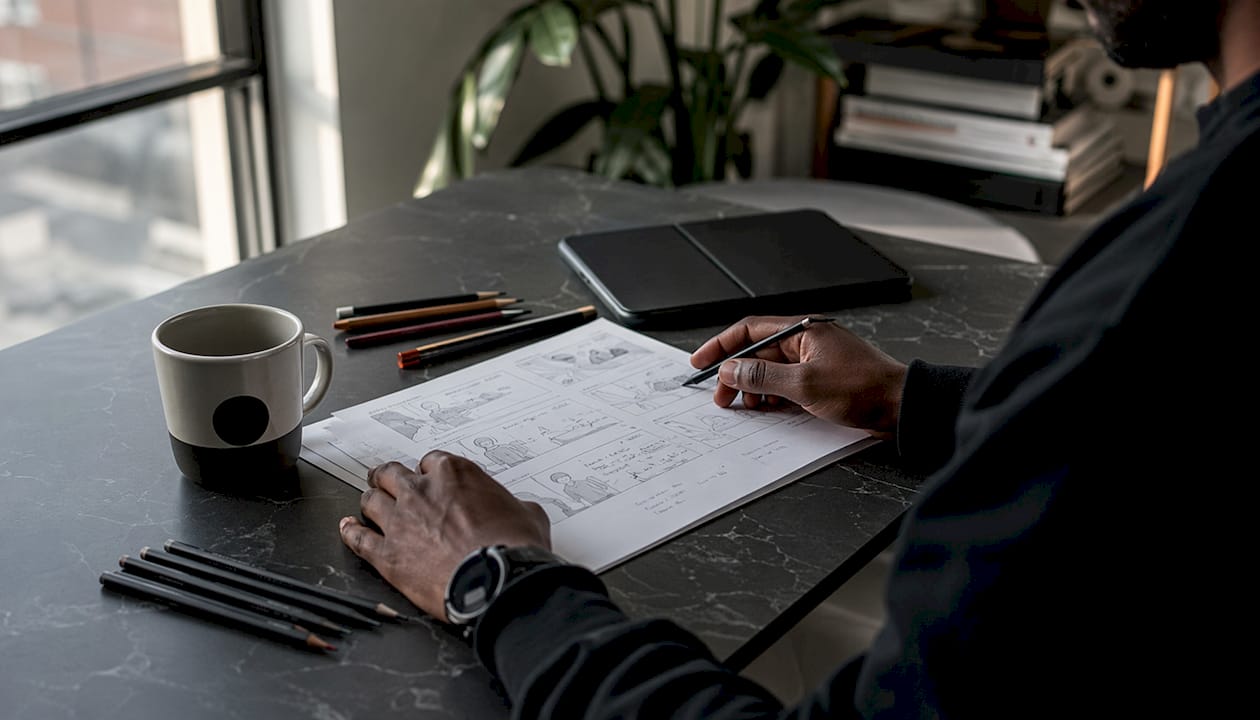
A storyboard panel should contain every field a production team needs to execute the shot without asking a follow-up question. Miss one field and you create a gap that costs time on set.
| Panel field | What to write | Short example |
|---|---|---|
| Panel number | Sequential frame ID | — |
| Frame / art | Sketch or image of the shot | Wide establishing — kitchen counter |
| Shot type | Standard abbreviation | ECU (extreme close-up) |
| Camera movement | Direction and technique | Slow push in, handheld |
| Action | What happens in frame | Talent pours product into glass |
| Dialogue / VO | Exact script line | "Taste the difference." |
| Timing (seconds) | Duration of this panel | 3s |
| On-screen text / supers | Any title card or lower third | "New Formula" |
| Sound / music / SFX | Audio cue or track direction | Upbeat acoustic guitar, product pour SFX |
| VFX call-outs | Any compositing or CG note | Logo reveal, product glow |
| Props / wardrobe | Key items needed on set | Branded glass, white linen shirt |
| Legal / brand constraints | Logo placement, label visibility, claim restrictions | Label must face camera at all times |
For high-stakes campaigns, the brand "hero" shot rules belong in this last field. Specifying hero angles, label visibility, and logo placement at the storyboard stage prevents expensive post-production fixes later.
Pro Tip: In a 30-second spot, allocate roughly 5 seconds to the hook, 8 seconds to the problem or context, 12 seconds to the solution or product demonstration, and 5 seconds to the CTA. Annotate the cumulative running time on each panel so the editor can cut to time before a single frame is shot.
A typical 30-second TV commercial breaks into 8–12 storyboard panels, with 3–6 panels per page being the standard for readability. That math forces you to be selective — every panel has to earn its place.
Which storyboard style fits your project?
The style you choose signals something to the room before you say a word. A rough thumbnail board says "we're still iterating." A photoreal board says "this is what we're making." Pick the wrong one for the context and you either waste rendering time or lose the room.
Storyboard styles in advertising range from fast and loose to highly polished, and each serves a different purpose:
- Thumbnail boards. Small, rough sketches that prioritize shot sequence over detail. Created by the director or creative director in the first pass. Best for internal alignment and fast iteration — not for client presentations.
- Loose pencil boards. Hand-drawn panels with readable figures, arrows for camera movement, and basic composition. A storyboard artist typically produces these in a day or two. Good for director-DP conversations and early agency reviews.
- Loose color boards. Pencil boards with flat color added to indicate mood, lighting direction, and palette. Useful when the client needs to feel the tone without committing to a full render.
- Tightly rendered / photorealistic boards. Fully detailed, production-quality illustrations or digital composites. These are the persuasion tool for high-budget pitches — creative directors use them when the client needs to see production quality before signing off. Time-intensive, but they close deals.
- CGI previs boards. 3D-rendered frames, often used for VFX-heavy spots, action sequences, or automotive work. The Honda HR-V × Max Verstappen campaign is a useful reference: the boards had to keep Verstappen's face readable in every cut because the brand value was in audience recognition, not car choreography. CGI previs lets you solve that kind of framing problem before the talent shows up.
- Shooting boards / production boards. The most detailed version, built after client approval. These include camera angles, lens choices, movement arrows, and lighting notes. They live on set and drive the shot list.
When planning for social cutdowns — a growing priority given current platform trends — board the master 16:9 format first, then mark which frames need reframing for 9:16 or 1:1. Trying to compose multiple aspect ratios in a single panel creates clutter and confusion.
**
How do you create a commercial storyboard from brief to final board?
The workflow below is a checklist your team can run on every project. Skip a step and you will feel it on set.
- Lock the creative brief. Confirm campaign objective, brand guidelines, duration (15s, 30s, 60s), and the single CTA the spot must land.
- Finalize the script. Every storyboard frame maps to a script beat. A script that changes after boarding means panels that need to be redrawn.
- Break the script into beats. Identify the hook, problem, solution, product moment, and CTA as discrete beats — these become your panel groupings.
- List required shots. Write a rough shot list before you draw anything. This forces you to think like a DP and catches coverage gaps early.
- Thumbnail multiple framings. Draw fast, small, and loose. Generate three or four options for key shots — the hero product reveal, the talent reaction, the CTA card. Speed matters here; polish does not.
- Draw keeper panels. Promote the best thumbnails to full panels using the field template above. This is where a storyboard artist earns their rate.
- Annotate every panel. Camera movement, timing, VO line, SFX, VFX notes, and brand constraints all go in now. A panel without annotations is a panel that will generate questions on set.
- Sequence and review with the DP and editor. The DP checks for technical feasibility; the editor checks for cut rhythm. Both will catch problems a storyboard artist cannot.
- Present to the client for sign-off. Use the presentation board version (see Section 9). Capture written approval before moving to production.
- Create the production board. After sign-off, build the shooting board with camera specs, lens choices, lighting direction, and VFX notes. This is the document that lives on set.
Stakeholders to loop in at each step:
- Brief and script: creative director, account lead, client approver
- Shot listing and thumbnails: director, DP
- Keeper panels and annotations: director, producer, storyboard artist
- Review: DP, editor, VFX supervisor (if applicable)
- Client sign-off: client approver, creative director, producer
- Production board: AD, camera department, gaffer, VFX team
An animatic is worth creating after the keeper panels are locked. Cut the panels to temp audio and VO, export as an MP4, and play it for the director and client. It validates pacing and reveals coverage gaps before a single dollar is spent on crew.
Pro Tip: Over-rendering storyboard frames wastes time. Many experienced production teams prefer clear, loose sketches with precise annotations over polished illustrations with vague camera notes. The annotation is the deliverable — the art is just the carrier.
Which tools and templates speed up commercial storyboarding?
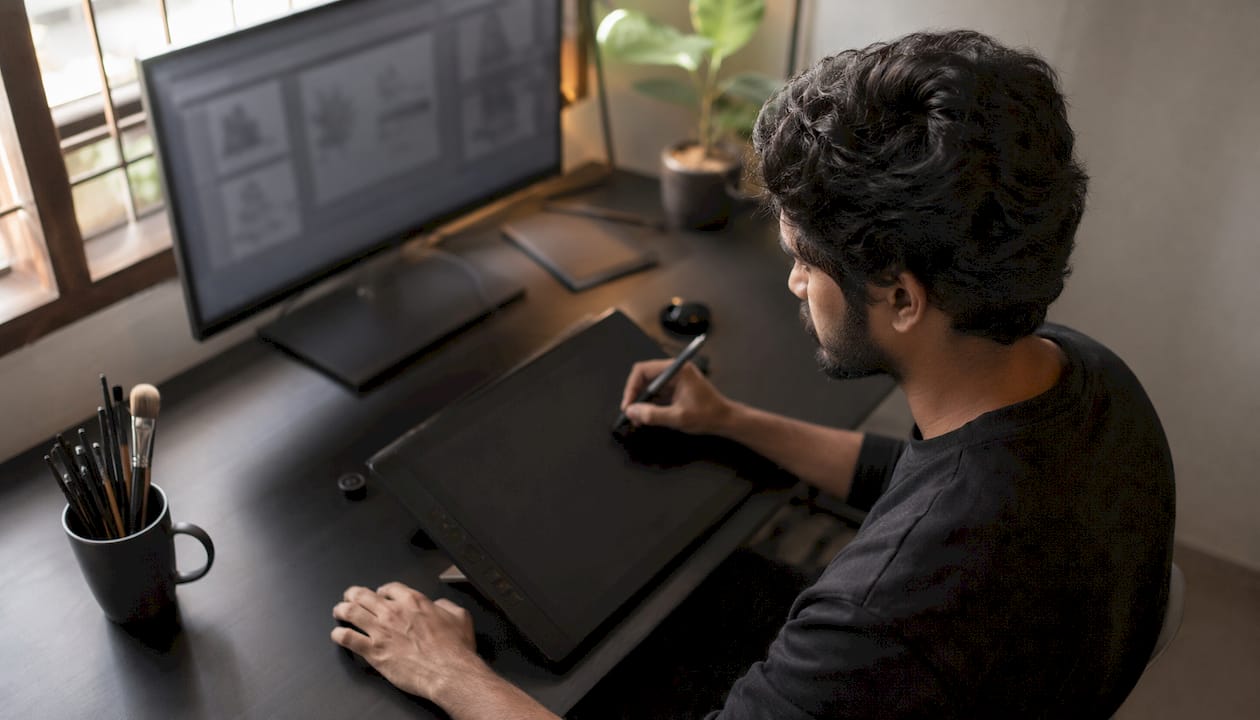
The right tool depends on where your team's bottleneck is: drawing speed, collaboration, or client presentation.
| Tool category | Pros | Cons |
|---|---|---|
| Drawing-first storyboard apps | Fast panel creation, built-in shot-type libraries, export to PDF/animatic | Limited real-time collaboration; steeper learning curve |
| Collaborative visual canvases | Real-time multi-user editing, easy to share with clients, links to other docs | Less specialized for storyboarding; no built-in animatic export |
| Presentation / PDF-focused templates | Polished output fast, easy for client review, no software learning curve | Static; hard to iterate quickly; no production integration |
StudioBinder offers step-by-step templates and a storyboard builder optimized for production formats and 16:9 panels — a solid starting point for teams that want structure without building from scratch. For a broader look at video production platforms and how they fit into a commercial workflow, the tool categories above map directly to what's available in the market.
Recommended output formats:
- Printable PDF for client sign-off and on-set reference
- Layered PSD or AI file for the art department to pull assets
- XML or CSV shot list export for production scheduling
- MP4 animatic for pacing review and client preview
Pro Tip: Establish a naming convention from day one and never break it. A reliable pattern: PROJECT_CLIENT_SPOT_DURATION_v01_storyboard.pdf. Lock a version the moment the client approves it — never overwrite an approved file. Version drift is how scope creep gets a foothold.
Annotated commercial storyboard examples
Four common ad formats, each with the specific decisions that make the board work in a pitch room and on set.
Example 1: Product demo spot
**
- Composition: ECU of the product label in frame 1 establishes the hero immediately; every subsequent frame keeps the label visible per brand guidelines.
- Timing rationale: 3 seconds on the product reveal, 2 seconds on talent reaction — the ratio keeps the product as the subject, not the person.
- Production note: Pre-light the hero product position before talent arrives. The board should specify the exact surface, angle, and any required reflector placement.
Example 2: Testimonial spot
**
- Composition: Medium shot keeps the talent's face and hands in frame simultaneously — critical for credibility reads.
- Timing rationale: VO and picture are timed together in the panel annotations so the editor has a cut guide from day one.
- Production note: Flag the cutaway panels for the DP — these are the frames most likely to be reframed for vertical social cutdowns.
Example 3: Brand story spot
**
- Composition: The wide establishing shot in frame 1 sets location and scale; the emotional beat in frame 3 is a tight two-shot that requires a specific lens choice (85mm or longer) noted in the panel.
- Timing rationale: Brand story spots often run 60 seconds — the board should mark the 30-second cutdown point explicitly so the editor knows which panels are expendable.
- Production note: The logo close in the final frame needs a locked-off camera position noted in the shooting board.
Example 4: Social cutdown
**
- Composition: Each panel shows the original 16:9 frame with a 9:16 crop overlay — the talent and product must stay inside the crop in every frame.
- Timing rationale: Social cutdowns typically run 6–15 seconds; the board marks which panels survive the cut and which are dropped.
- Production note: Shoot the master first, then confirm the crop works in playback before releasing the crew.
Pro Tip: Build a reusable hero product panel checklist: label visibility confirmed, brand color in frame, hero angle per brand guidelines, no competing visual elements within the crop zone. Paste this checklist into every product demo board as a final annotation.
How does the storyboard connect to your production documents?
The approved storyboard is not the end of pre-production. It is the source document that generates everything else.
Integration checklist — storyboard frame to production assets:
- Each panel number maps to a shot list row (scene, setup, shot type, lens, duration, VFX flag)
- Props and wardrobe notes from the panel feed directly into the call sheet's art department section
- VFX call-outs generate a VFX brief for the post supervisor
- Timing annotations feed the editor's assembly cut guide
- Camera movement notes go to the camera department as a blocking reference
Sample mapping: one panel to one shot list row
| Storyboard field | Shot list column | Example value |
|---|---|---|
| — | Shot ID | — |
| ECU, product label | Shot type | ECU |
| Slow push in | Camera movement | Dolly push, 12 inches |
| 3s | Duration | 3 seconds |
| Product glow VFX | VFX flag | Yes — post composite |
Commercial storyboards serve two audiences: the client, who needs enough polish to sign off, and the crew, who need actionable technical notes. These are different documents with different levels of detail — the presentation board and the production board are not the same file.
Pro Tip: Give the AD and producer a one-page quick-reference board — panel thumbnails, shot IDs, and timing only. Give the camera and lighting teams the full production board with lens, movement, and lighting specs. Two documents, two audiences, zero confusion.
How do you present a storyboard to a client and get sign-off?
The presentation format shapes how the client receives the work. Choose the wrong format and you spend the meeting explaining the board instead of discussing the creative.
Effective presentation formats:
- Single-strip printed boards: All panels in sequence on one long sheet or a series of letter-size pages. Works well for linear spots where the narrative flow is the argument.
- PDF with VO read-aloud: Share the PDF while reading the VO script aloud in real time. The client hears the ad while seeing it — this closes the gap between a static board and a finished spot faster than any other format.
- Animatic playback: The strongest presentation tool for timing-sensitive spots. Cut the panels to temp music and VO, play it once, then discuss. Clients who struggle to read static boards almost always respond to an animatic.
- Side-by-side option comparisons: Present two or three creative directions as parallel boards. Forces a decision rather than an open-ended revision round.
Client sign-off checklist:
- Approved storyboard version number and date
- Locked script (no further copy changes without a change order)
- Approved music direction or temp track reference
- Written confirmation of any production-level changes (location, talent, VFX scope)
- Named client approver on record
Pro Tip: Separate creative intent from technical execution in every client conversation. "The hero shot must show the product label clearly" is a creative intent the client owns. "We'll use an 85mm lens at f/2.8 to achieve that" is a technical execution decision the director owns. Keep those two categories in separate columns on the sign-off sheet and revision rounds drop significantly.
How MINIM uses storyboards in commercial workflows
MINIM's process treats the storyboard as the production's operating agreement, not a formality. When an agency brings MINIM in as a production partner, the workflow runs: brief → storyboard → animatic → production board → shoot → delivery. Each stage has a locked version and a named approver before the next stage begins.
**
What this produces in practice:
- Fewer revision cycles because the storyboard surfaces creative disagreements before they become on-set problems
- Clearer hero product shots because brand constraints are annotated at the panel level, not discovered in post
- On-set efficiency because the production board gives every department a single reference document
MINIM's commercial work demonstrates how storyboard-driven pre-production translates into final campaigns — the boards are not a deliverable in isolation, they are the mechanism that makes the shoot predictable.
Pro Tip: Always produce a production board after client sign-off, even when the client only asked for a presentation board. The two documents serve different audiences and different purposes. Skipping the production board is the single fastest way to create on-set confusion.
Key Takeaways
A commercial storyboard built from a locked script, annotated with precise timing and camera notes, and reviewed by the DP and editor before client presentation is the single most effective tool for reducing shoot risk and protecting production budgets.
| Point | Details |
|---|---|
| Start with brief and script | Never draw a panel until the script and duration are locked — every change after boarding costs time. |
| Board master 16:9 first | Mark frames for vertical or square reframing rather than composing multiple aspect ratios in one panel. |
| Annotate timing per panel | Allocate seconds to hook, problem, solution, and CTA; note cumulative running time so editors can cut to time. |
| Involve DP and editor early | Both catch problems a storyboard artist cannot — coverage gaps and cut rhythm issues surface in review, not on set. |
| MINIM as production partner | MINIM integrates storyboard, animatic, and production board into a single agency workflow from concept to delivery. |
The case for treating the storyboard as a contract, not a sketch
Most revision cycles I see in commercial production trace back to one moment: the client approved a storyboard they did not fully understand, and the crew executed a board the client had not actually seen. Those are two different problems, and they both live in the pre-production phase.
The fix is not more polish on the boards. It is a cleaner separation between the presentation board and the production board, and a more deliberate sign-off process. When a client approves a photoreal board, they are approving the creative intent. When the DP gets the production board, they are executing a technical plan. Conflating those two documents is where scope creep and reshoot costs are born.
Two things any team can implement today: first, always create a production board after client sign-off, even if it feels redundant. Second, mark every frame that will need reframing for social cutdowns during the boarding stage, not in post. Both actions cost almost nothing in pre-production and save significant time downstream.
MINIM's production capabilities are built around this discipline — storyboards as operating agreements, not mood boards.
MINIM handles the full storyboard-to-screen pipeline
Agencies that need cinematic commercial execution without adding headcount work with MINIM as a direct production partner. The engagement starts at the storyboard stage and runs through final delivery.

MINIM delivers the full pre-production and production package: presentation board PDF for client sign-off, production board with camera and lens specs, animatic MP4 for pacing review, and shot list CSV for scheduling. On set, MINIM's team works directly from the production board, so the creative director's intent survives the shoot intact.
To see how this works in practice, review MINIM's production work or visit the services page to request a sample storyboard review or production quote for your next campaign.
Useful sources and templates
Use these resources to download templates, view example galleries, and find reference boards across illustration styles.
- StudioBinder storyboard builder — step-by-step templates optimized for 16:9 production formats; exports to PDF and integrates with shot lists. Download the PDF template for client presentations; use the platform's shot list export for production scheduling.
- Storyboards.com example gallery — categorized by illustration style (thumbnail through photoreal and CGI). Useful for selecting a style reference before briefing a storyboard artist. Download JPEG or PDF samples.
- StudioBinder TV commercial examples — annotated examples across thumbnail, photorealistic, CGI, animatic, vertical, and shooting board styles. The digital storyboard example for a skincare ad is a clean reference for problem-to-solution narrative structure.
- Behance artist portfolios — search "commercial storyboard" or "advertising storyboard" to find published sequences from working storyboard artists. Useful for cinematographic framing references and style benchmarking. Download PSD or AI files when artists make them available.
- MINIM work examples — view MINIM's commercial portfolio to see how storyboard-driven pre-production translates into final campaign delivery.
File format guidance: download rough thumbnail boards as PDF for internal use; request layered PSD or AI files from artists when you need editable assets for the art department. Animatic exports should be MP4 at the spot's native frame rate. For client presentations, a single PDF with panels at 3–6 per page is the most universally readable format.
Recommended
- Our Services | Enhance Your Brand Today — MINIM | Content Production Company
- Our Services (Copy) | Elevate Your Brand Today - Explore Our Services — MINIM | Content Production Company
- Work | Elevate Your Content — Get Started Today — MINIM | Content Production Company
- MINIM | Content Production Company