
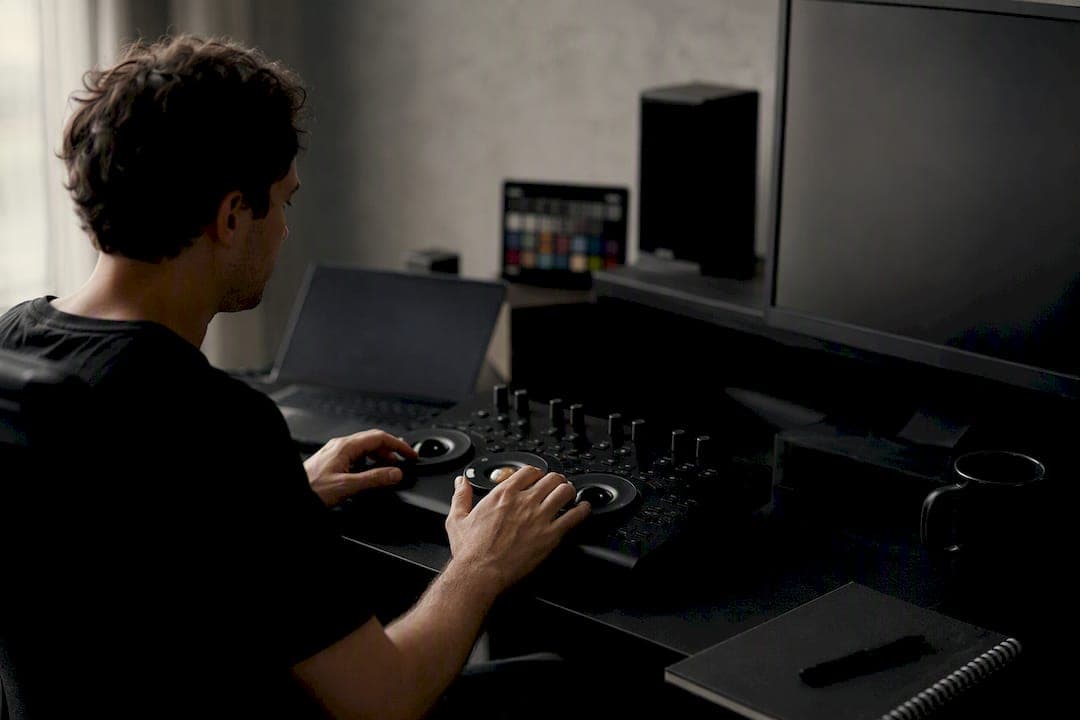
ACES is an open, scene-referred color-encoding and interchange system, developed by the Academy of Motion Picture Arts and Sciences and formalized through SMPTE ST 2065 standards, built to preserve full scene latitude across multi-vendor production. If your project touches more than one facility, involves heavy VFX, or needs to survive a remaster in ten years, ACES color management is worth the setup cost. If you're grading a single spot in one suite with no VFX handoff, it's often more overhead than the job needs.
Here's how to know if it fits your next project:
- You're sending footage to multiple VFX vendors who need to match color without guessing at your camera's native look.
- The deliverable list includes more than one output format (HDR, SDR, DCI-P3, streaming specs) from a single master.
- Archival matters. You want a master that a colorist can reopen in 2036 and still make sense of.
- Before you commit, confirm your camera has a published Input Transform, plan to capture AMF metadata from day one, and loop in a partner like MINIM early if you're an agency coordinating multiple vendors on one campaign.
Key Takeaways
ACES color management works because it separates capture, creative grading, and display rendering into distinct, documented steps that any vendor can reproduce.
| Point | Details |
|---|---|
| Match the encoding to the role | Use ACES2065-1 for archival masters, ACEScg for CG and compositing, and ACEScc/ACEScct for grading. |
| Never preview raw ACES data | Always view through an ODT or preview LUT since flat, low-contrast footage is expected before rendering. |
| Prefer built-in OCIO configs | Built-in ACES 2.0 configurations in OpenColorIO reduce the version mismatches that handcrafted chains introduce. |
| Document every handoff | Use AMF to record IDT, LMT, and ODT versions so a project remains reproducible months later. |
| Bring in a coordinated partner | MINIM integrates ACES pipeline setup and vendor coordination directly into agency campaign production. |
What Working With ACES on Agency Campaigns Has Taught MINIM
MINIM builds ACES into project setup whenever a campaign spans multiple vendors, and the pattern holds every time: fewer surprise regrades, VFX handoffs that match on the first pass instead of the third, and masters that survive a client's late-stage HDR request without a full remaster; for professional filmmakers looking to advance their careers, attending events like the filmmaker summit advantages that actually move your career can offer invaluable industry insights. It's infrastructure, not a creative shortcut, and treating it that way is what makes the motion graphics and grading work hold up across every deliverable.
ACES-Capable Production, Handled End to End
MINIM runs full-service commercial production and post for agencies that need ACES color management done right without hiring a pipeline specialist in-house. That means camera-to-delivery color continuity across every vendor on your campaign, documented transforms at every handoff, and archive-ready masters your client can remaster years later without a scramble.

We integrate directly with your creative team on a project basis, whether that's a single spot needing a clean Resolve grading pass or a multi-vendor campaign requiring coordinated IDTs and ODTs across three post houses. If your next brief involves VFX-heavy work, mixed camera sources, or delivery specs you haven't locked yet, explore MINIM's production and post services and get a quote before your project timeline forces a rushed pipeline decision.
Table of Contents
- What Is ACES Color Management and Why Does It Exist?
- What Are the Core ACES Color Spaces and Transforms?
- How Do You Implement ACES in Resolve, After Effects, or Nuke?
- How Should You Handle ACES Metadata and Archival Files?
- Why Does ACES Footage Look Flat, and How Do You Fix It?
- Frequently Asked Questions
- Sources
What Is ACES Color Management and Why Does It Exist?
Color management before ACES meant every studio built its own pipeline. A camera's raw files went through a proprietary LUT, into a proprietary working space, and out to a proprietary delivery format. That worked fine until a project needed to move between three VFX houses and two color suites, at which point nobody's math matched anybody else's.
The Academy started developing what became ACES in the mid-2000s specifically to fix that. The goal was a vendor-agnostic standard that any studio, any camera manufacturer, and any software vendor could implement the same way. The Academy now positions ACES as the industry standard for managing color from capture through mastering and archiving, and SMPTE has since codified the encoding itself in the ST 2065 family of standards.
The workflow, at a high level, runs in a predictable sequence:
- Camera footage gets captured in its native format.
- An Input Transform (IDT) converts that footage into the ACES working space.
- Editorial, grading, and VFX all operate on that same ACES2065-1 or ACEScg data, applying Look Transforms as needed.
- A Reference Rendering Transform and Output Device Transform render the result for a specific display or delivery spec.
- Final masters get archived in ACES format alongside metadata describing every transform applied.
The payoff shows up in three places: camera matching stays consistent even when a production mixes Alexa, Red, and Sony bodies; VFX vendors receive footage in a known, documented space instead of a mystery LUT stack; and the archived master isn't locked to today's display technology.
What Are the Core ACES Color Spaces and Transforms?
ACES isn't one color space. It's a family of encodings, each built for a different job in the pipeline, and knowing which one belongs where saves you from some of the most common workflow mistakes.
ACES2065-1 is the archival and interchange encoding. It uses the AP0 primaries, a very wide gamut that encompasses essentially all visible color, stored as linear floating-point values. Nobody grades directly in ACES2065-1. It exists so a master file can move between facilities, software versions, and decades without losing information.
ACEScg uses the tighter AP1 gamut and linear encoding, and it's the space CG renderers and compositing tools like Nuke work in. Linear math is what 3D rendering and compositing engines expect, so ACEScg keeps VFX pipelines mathematically clean.
ACEScc and ACEScct are logarithmic encodings built for color correction tools. ACEScct adds a toe in the shadows that behaves more like traditional log footage, which most colorists find more intuitive on control surfaces than the pure log of ACEScc.
Between these encodings sit the transforms that do the actual conversion work:
- IDT (Input Transform): converts camera-native footage into ACES.
- CSC (Color Space Conversion): moves data between ACES working spaces, like ACES2065-1 to ACEScg.
- LMT (Look Modification Transform): applies a creative look while staying inside the ACES pipeline.
- RRT (Reference Rendering Transform): the fixed rendering step that maps scene-referred values toward display-referred appearance.
- ODT (Output Device Transform): finishes the rendering for a specific display standard, whether Rec.709, P3, or an HDR spec.
ACES data preserves a very large dynamic range of scene information, which is why it demands floating-point or half-float storage rather than the 10 or 12-bit integer formats common in traditional grading. That dynamic range is the entire point of a scene-referred encoding: you're keeping information a traditional pipeline would clip or crush, so it's available later regardless of the final display target.
How Do You Implement ACES in Resolve, After Effects, or Nuke?
Getting ACES running in a real pipeline comes down to picking the right bridge software and knowing where each host application expects you to make decisions.
OpenColorIO is that bridge. Most modern tools support OCIO configs directly, and OCIO now ships built-in ACES 2.0 configurations rather than requiring you to hand-build transform chains. Use the built-in config over a custom one whenever it's available. Handcrafted OCIO setups are where subtle version mismatches creep in.
Here's how that plays out by application:
- DaVinci Resolve: In Project Settings under Color Management, switch from the default to ACES. Pick ACEScc or ACEScct as your timeline color space (ACEScct is the more common choice for surface-based grading), then select your ODT based on final delivery spec. Resolve handles the RRT internally, so you're really just choosing input and output points.
- After Effects and Premiere: Neither has native ACES color management the way Resolve does, so the standard approach routes through OCIO via plugins or an ACES-aware project setup. Watch for the host app's own color engine fighting with your OCIO transform. If a preview looks correct in Resolve but wrong after round-tripping through After Effects, check whether AE's project color settings are silently reinterpreting your footage.
- Nuke and CG pipelines: Render and composite in ACEScg. Keep camera-original files untouched and apply the correct IDT per camera source rather than a single blanket transform, especially on jobs mixing footage from different cameras.
Before you call a setup done, run this checklist: confirm an IDT exists for every camera on the shoot, install the official ACES/OCIO config rather than an older handcrafted one, use CLF or AMF files to carry look decisions between facilities, and view at least one shot through your actual ODT before signing off on anything.
Pro Tip: Keep a single reference frame, ideally a color chart or skin tone shot, and push it through your entire pipeline from raw camera file to final ODT every time you change a transform version. If that frame's appearance shifts unexpectedly, you've found a configuration error before it reaches sixty other shots.
How Should You Handle ACES Metadata and Archival Files?
An ACES pipeline is only as reproducible as its paperwork. The AMF (Academy Metadata File) records which IDT, which LMT, and which ODT version touched a shot, along with any ASC-CDL values or LUTs layered on top. Without it, a project handed back for a re-edit eighteen months later becomes a guessing game.
Three habits keep an ACES archive genuinely useful:
- Store masters as floating-point OpenEXR files in ACES2065-1, and keep the original camera-native files rather than only the converted versions.
- Version every transform explicitly. "ACES 1.2" and "ACES 2.0" are not interchangeable, and an ODT update between projects can shift the final render.
- Document look metadata at every handoff point: editorial to VFX, VFX to color, color to final delivery.
The discipline here is simple even if the file formats aren't: archive the scene-referred master, record exactly what transforms produced any given look, and never bake a transform into a file before it reaches final delivery. Once a look is baked in, the scene-referred data behind it is gone for good.
That last point is the one teams learn the hard way, usually on the project where a client asks for an HDR version of something delivered eight months earlier in Rec.709 only.
Why Does ACES Footage Look Flat, and How Do You Fix It?
Raw ACES2065-1 or ACEScg footage previewed without an Output Device Transform looks washed out and low-contrast. That's not a bug. The scene-referred data is preserving dynamic range a normal monitor can't display directly, and the flat appearance is expected until an ODT renders it for your screen. Always view through an ODT or a preview LUT, never raw.
The most damaging mistake is applying the wrong IDT, or applying transforms out of order, because both bake incorrect color decisions into downstream files before anyone notices. A shot that looks slightly off in dailies but "close enough" often means a mismatched IDT versus the actual camera profile used on set.
Run this before any handoff or archive:
- Confirm the IDT matches the actual camera and firmware used, not just the camera model.
- Check for gamut clipping in saturated colors. If it's happening, a reference gamut compression step or a targeted LMT usually resolves it more cleanly than adjusting exposure.
- Compare a known reference shot through the full chain, raw to IDT to ACES to ODT, against what you expect on a calibrated display.
Pro Tip: If two facilities render the same ACES master differently on supposedly identical displays, check ODT version and monitor calibration before assuming a transform error. Display drift causes more "ACES problems" than the pipeline itself.
Frequently Asked Questions
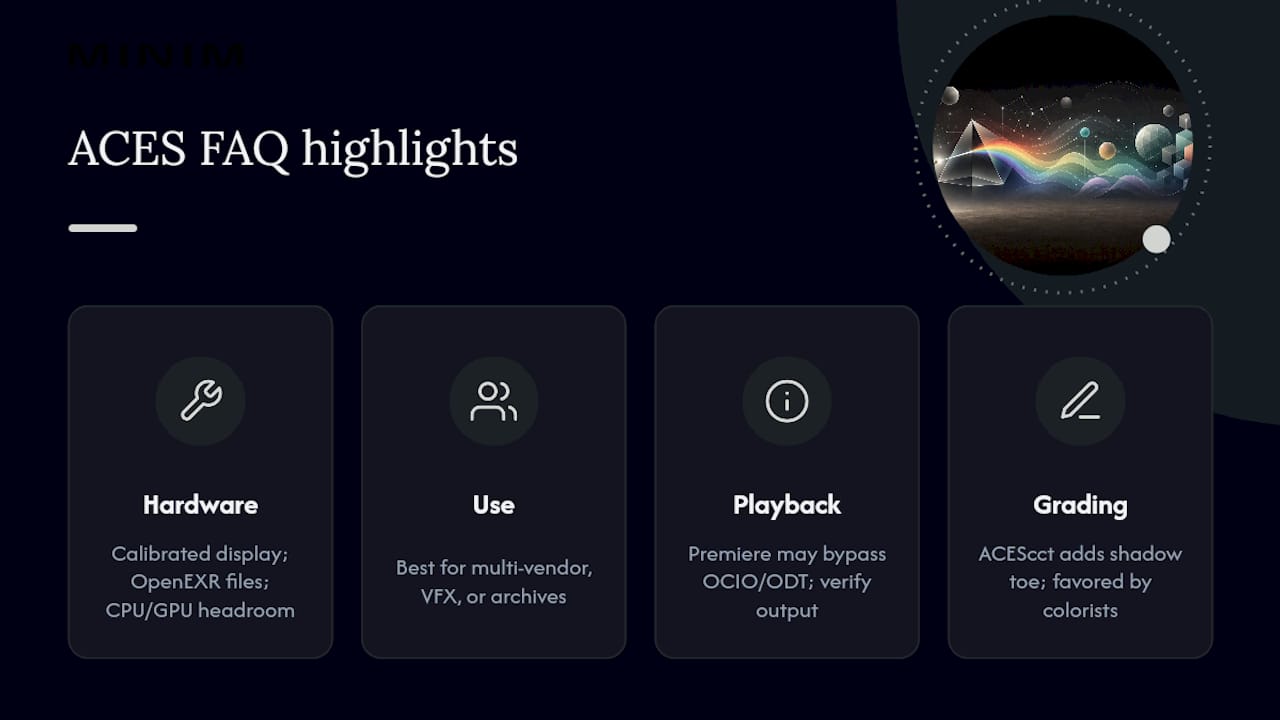
Does ACES color management require special hardware? No specialized hardware is required, but you need a calibrated display capable of rendering your target ODT accurately, sufficient storage for floating-point OpenEXR files, and enough processing headroom for linear float rendering in CG and compositing tools. Standard reference monitors used for Rec.709 or DCI-P3 grading work fine as long as calibration is current.
Is ACES better than a traditional Rec.709 or DCI-P3 workflow? ACES and traditional display-referred workflows solve different problems. A single-vendor project with one delivery format often doesn't need ACES's overhead. Multi-vendor, VFX-heavy, or archive-critical projects benefit from ACES because the scene-referred master isn't locked to one display standard the way a Rec.709 or P3 graded file is.
Why does my ACES footage look washed out in Premiere but fine in Resolve? This usually means Premiere's host color engine is reinterpreting the footage instead of passing it through your OCIO transform untouched, or you're viewing without an ODT applied. Check project color settings and confirm you're monitoring through the correct output transform, not a raw preview.
What is the difference between ACEScc and ACEScct? Both are logarithmic grading spaces built on the AP1 gamut. ACEScct adds a toe curve in the shadows that behaves closer to traditional log footage, which most colorists find more predictable on control surfaces than ACEScc's pure logarithmic curve.
Can I use ACES on a project that doesn't involve VFX? Yes, though the benefit is smaller. Archival value and future-proof masters still apply even on a straightforward single-format delivery, and some studios standardize on ACES across all work simply to keep one consistent pipeline rather than maintaining separate workflows.