
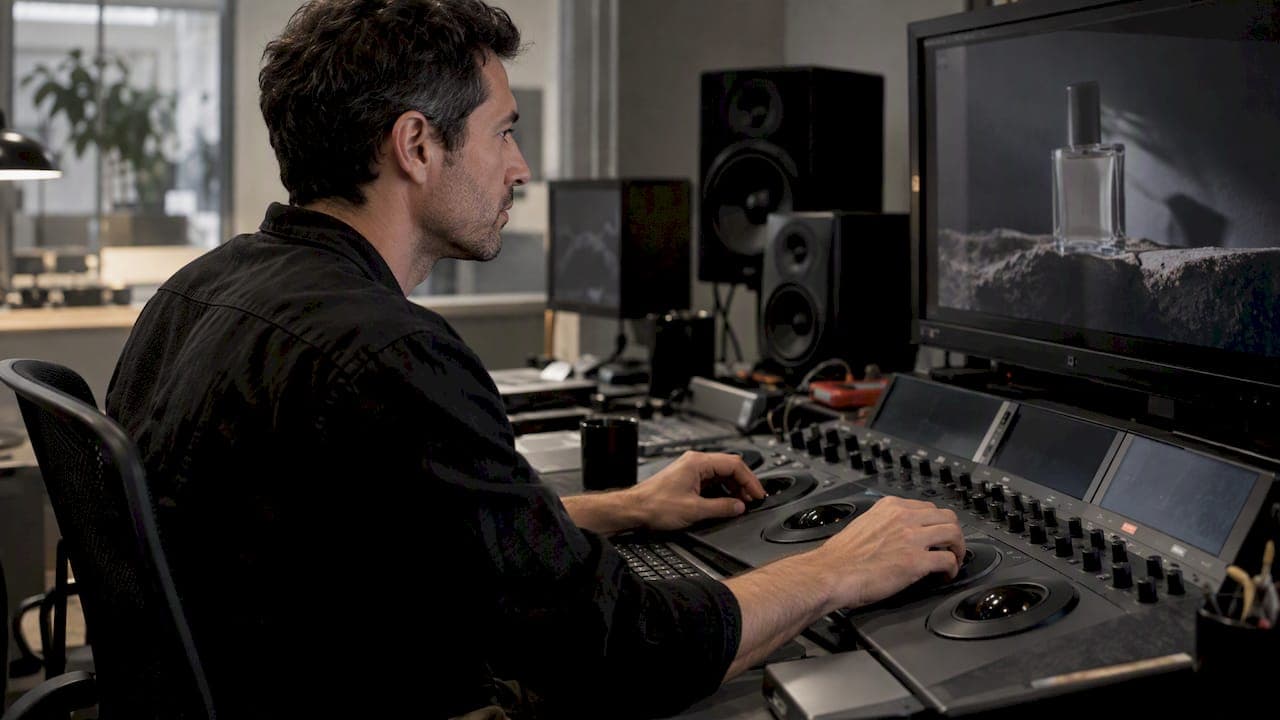
For commercials, the top priority when grading is preserving brand and product fidelity while making midtones inviting. Everything else serves that goal. The standard toolkit includes DaVinci Resolve and ACES color pipelines, with deliverables spanning HDR masters, SDR trims, and web crops. Accurate midtones early in the process cut down on costly rework later.
TL;DR:
- Use tracked power windows to isolate products and preserve fixed brand hues; first balance exposure, white balance, blacks, whites, and midtones before shaping the look.
- Use ACES when campaigns span multiple cameras or HDR and SDR; Resolve’s native color management suits single camera jobs with one deliverable and tight deadlines.
- Deliver HDR10 or Dolby Vision masters separately from the Rec. 709 SDR trim; QC each version and make social crops after locking the master.
- A 30 to 60 second spot can take a full grading day, with shot count, tracked windows, HDR versions, and visual effects extending the schedule.
Table of Contents
- What Commercial Grading Demands
- Practical Color-Grading Workflow for Commercials
- Technical Foundations: Color Management, ACES, and HDR Deliverables
- Tools, Hardware, and Setup Professionals Use for Commercial Grades
- On-Set and Near-Set Collaboration That Protects the Look
- Time, Budgets, and Deliverables: Realistic Expectations
- Practitioner Notes on Commercial Color Strategy
- Case Studies: What Successful Commercial Grades Have in Common
- Integration With VFX and Graphics in Commercials
- Why Color Grading Is a Strategic Decision, Not a Finishing Touch
- How We Help Agencies Protect Color and Creative Vision
- FAQ
- Sources
What Commercial Grading Demands
Color correction and color grading solve different problems. Correction fixes exposure, white balance, and neutral blacks and whites so footage looks technically clean. Grading builds the creative look on top of that foundation. Skipping straight to a stylized look before correction is finished is how commercials end up with inconsistent skin tones and product colors that drift from shot to shot.
Commercials carry a constraint features rarely face: a client's brand palette and a product's actual color are often contractually fixed. A beverage brand's red cannot shift toward orange just because a scene calls for warmth, and a skincare product needs to read as the exact shade sold in stores, making landscape photo color grading techniques valuable for maintaining accurate hues in commercial grading. Colorists handle this with power windows, isolated shapes tracked frame by frame that let them adjust a background's mood without touching the product in frame. Premium Beat notes that commercial projects often require many more power windows than feature films, precisely because every product shot demands this kind of isolation.
Color also sets emotional tone fast, often within the first second or two of a spot. LBB Online points out that strategic contrast and restrained saturation frequently land harder than a heavy color shift, since viewers notice an unnatural grade before they notice the message.
A few principles follow from this:
- Correct first, grade second: neutral midtones before any creative push.
- Treat brand and product colors as fixed reference points, not creative variables.
- Favor subtle contrast and tonal shaping over dramatic hue shifts in most commercial work.
- Check every grade against how a product's real-world color reads on a calibrated monitor.
Practical Color-Grading Workflow for Commercials
A reliable commercial grade follows a sequence, and skipping steps is how teams end up redoing work under deadline pressure.
- Capture and prep. Shoot RAW or LOG footage, build camera-specific IDTs or on-set LUTs, and record color charts and reference frames for every lighting setup.
- Primary correction. Balance exposure across shots, set clean neutral blacks and whites, and prioritize skin tones and midtones before anything else.
- Secondary grading. Apply power windows, qualifiers, and tracked masks to isolate and protect brand colors and product details from the creative look applied elsewhere in frame.
- Creative look development. Build the palette, design custom LUTs, and use restrained film emulation or color warper adjustments rather than global hue shifts.
- Finishing. Run the HDR pass, apply deliverable-specific output transforms, legalize levels for broadcast or platform specs, and QC every version against a checklist.
- Organization and handoff. Keep nodes labeled by function, use consistent version naming, and share remote review links so stakeholders can approve without a suite visit.
This sequence matters because commercials are graded under tighter scrutiny than most video work. Premium Beat reports that commercials typically take far more grading time per shot than feature films, driven by pixel-level attention to skin retouching, product textures, and specular highlights that a thirty-second spot simply cannot hide.
Pro Tip: Build a lightweight look LUT before the shoot and load it into the on-set monitor; it catches framing and lighting problems that a flat LOG image will hide until the grade.
Technical Foundations: Color Management, ACES, and HDR Deliverables
Color management is the plumbing behind a consistent grade, and it becomes essential the moment a campaign shoots on multiple cameras or delivers to multiple platforms.
ACES exists to create a repeatable color pipeline that holds up from capture through final delivery. Adopting it end to end means every camera's footage passes through an Input Device Transform (IDT) into a common color space, and every output passes through an Output Device Transform (ODT) tuned to the target display, whether that is an HDR10 television or a web player. The benefit is that creative decisions made early survive the trip to every deliverable instead of drifting.
DaVinci Resolve's own color management offers a lighter alternative for projects that don't need the full ACES structure, which suits smaller commercial jobs with a single camera and a short deliverable list.
- ACES suits multi-camera shoots, multi-spot campaigns, and anything delivering to both HDR and SDR.
- Resolve's native color management suits single-camera, single-deliverable jobs with a tight turnaround.
- HDR deliverables commonly include Dolby Vision and HDR10 masters alongside a standard Rec. 709 SDR trim for web and social.
- Waveform and scope checks at each transform catch clipping or color shifts before they reach the client.
ACES helps preserve color decisions across the full pipeline when adopted consistently, which is particularly valuable for campaigns that need to match brand color across multiple spots, cuts, and formats, according to the ASC.
Tools, Hardware, and Setup Professionals Use for Commercial Grades
DaVinci Resolve is the industry-standard tool for commercial color grading, with a free version that already covers advanced HDR grading and a wide color toolset. The Studio version adds Dolby Vision and HDR10+ support, multi-GPU acceleration, and collaboration features that matter once a project involves more than one artist. Autodesk Flame remains the go-to for VFX-heavy finishing, where matte extraction and graphics integration happen in the same session as the grade.
A few setup details separate a reliable commercial grade from a shaky one:
- A dedicated color panel speeds up repetitive primary and secondary adjustments compared with mouse-only work.
- A calibrated reference monitor in a controlled viewing environment is non-negotiable for client-facing color decisions.
- A capable GPU and fast storage keep playback smooth during real-time client review sessions.
- Remote monitoring and review tools let agency stakeholders sign off without traveling to the suite.
For teams comparing platforms in more depth, our agency guide to color grading software and our Resolve versus Premiere Pro breakdown cover the tradeoffs in more detail.
On-Set and Near-Set Collaboration That Protects the Look
Grading decisions made during production save time later. Cinematographer Robert Richardson, ASC and other veteran colorists advocate involving a colorist on set or in near-set dailies review, since look decisions iterated during the shoot rarely need to be rebuilt from scratch in the final session.
Capture choices make or break this approach. Exposing for clean midtones, locking a deliberate white balance strategy rather than relying on auto settings, and shooting color chips or chip charts under every lighting setup give the final colorist something solid to match against.
Communicating a look quickly matters just as much as building it. Look books, graded still frames, and remote review links let a creative director approve a direction in minutes instead of waiting for a full suite session.
- A colorist on set can test LUTs in real time and flag lighting problems before they become grading problems.
- Reference frames and chip charts shot under every setup anchor the final grade to something measurable.
- Remote review links speed up approvals for agency stakeholders who are not in the room.
Pro Tip: A simple on-set look LUT, built in an hour before the shoot, lets the director and DP see roughly what the final grade will look like, catching framing or lighting issues while there's still time to fix them.
Time, Budgets, and Deliverables: Realistic Expectations
Commercial grading typically requires significantly more time per shot than features due to detailed adjustments and multiple deliverables, a pattern Premium Beat attributes to the sheer density of power windows and detail work packed into a short runtime. Budget drivers include shot complexity, how many tracked masks each shot needs, retouching passes on skin and product surfaces, and the total number of deliverable versions required.
A deliverable checklist prevents late surprises:
- Confirm the master file format and resolution before grading begins.
- Deliver a color-graded SDR master and HDR masters as separately QC'd files, not conversions of each other.
- Export social-sized crops and aspect ratio variants only after the master grade is locked.
- Include proxies and metadata for any downstream editorial or VFX handoff.
- Run a final QC pass against each platform's technical spec before sign-off.
Practitioner Notes on Commercial Color Strategy
Agencies that treat color as a late-stage polish step tend to repeat the same mistakes: a brand color that drifts between cuts, a midtone that reads wrong under broadcast legalization, a deliverable rejected for clipped highlights. A repeatable checklist, neutral correction first, protected brand colors throughout, HDR and SDR QC before sign-off, catches most of this before it reaches a client review.

Integrating color strategy with look development and client review earlier in a campaign, rather than treating the grade as a final handoff, keeps brand fidelity and creative ambition aligned instead of fighting each other.
Case Studies: What Successful Commercial Grades Have in Common
Successful commercial grades share a pattern regardless of industry or budget: the brand color stays locked across every cut, the midtones stay inviting, and the creative look stays restrained enough that viewers register the mood without registering the grade itself.
Automotive spots are a common example. A manufacturer's signature paint color has to read identically whether the car sits in a studio shot or a sweeping exterior landscape, which means power windows isolate the paint while the rest of the frame takes on whatever warmth or coolness the creative concept calls for. Beverage and packaged goods campaigns face the same challenge with label colors and product textures, often requiring a dedicated secondary pass just for the product itself, separate from the environmental grade.
Multi-version campaigns add another layer. A single concept often needs a 30 second broadcast cut, a 15 second social cut, and a vertical crop for mobile, each graded and QC'd as its own deliverable rather than a resize of the master. Seasonal campaigns compound this further, since a brand's holiday version of a spot needs to feel distinct while still matching the underlying brand palette exactly. The projects that avoid rework are the ones where brand color rules were established before the shoot, not discovered during the grade.

Integration With VFX and Graphics in Commercials
Modern commercials rarely finish as a clean color pass alone. Product shots often carry composited elements, added reflections, or digitally placed packaging, and all of it needs to match the grade or the seam shows immediately on a calibrated monitor.
This is where Autodesk Flame earns its place in commercial finishing: it handles matte extraction, tracking, and graphics integration in the same session as color work, which matters when a logo animation, lower-third graphic, or composited product shot needs to sit inside a grade rather than get layered on top of it. Resolve handles plenty of VFX-adjacent work too, particularly tracked power windows and basic compositing, but heavier VFX integration often routes through a dedicated finishing pass.
The practical implication for producers: graphics and VFX elements should be locked, or close to locked, before the final grade begins. A logo color or motion graphic added after the grade is finished risks clashing with the palette, and reopening a finished grade to accommodate a late VFX change is one of the most common sources of budget overrun on commercial projects. For deeper workflow detail on how editorial, VFX, and color connect in a studio pipeline, see our post-production workflow guide.
Why Color Grading Is a Strategic Decision, Not a Finishing Touch
Color shapes recall and perception before a viewer processes a single word of copy, which makes grading a brand decision, not a technical afterthought. Speed matters for small fixes, but a campaign carrying real brand equity deserves full fidelity, not a shortcut. Worth weighing a production partner built for that level of precision.
— Steven Reina
How We Help Agencies Protect Color and Creative Vision
We integrate creative strategy, full service production, and in-house finishing directly into your campaign team, so brand color fidelity and cinematic grading happen under one roof instead of across three vendors.

- We handle everything from creative and art direction through final color delivery.
- We work closely with your team rather than as a separate vendor to manage.
For a tactical deep dive on choosing grading software, read our agency guide to color grading tools. To talk through a project, visit our services page and start the conversation.
FAQ
What is the 60-30-10 rule in filmmaking?
In practice it's a loose starting point for building a cohesive on-screen palette rather than a strict technical standard colorists follow shot by shot.
What do professionals use for color grading?
Professional colorists primarily use DaVinci Resolve for primary and secondary grading, paired with a calibrated reference monitor, a dedicated color panel, and an ACES or similar color management pipeline for projects spanning multiple cameras or deliverables. Finishing-heavy commercials often add Flame for VFX integration.
What happened to color grading in movies?
Color grading hasn't gone away. It's become more technically demanding as HDR formats, multiple deliverable versions, and tighter brand or studio color requirements have added steps to a process that used to end with a single theatrical print grade.
How long does color grading a commercial typically take?
A 30 to 60 second commercial can take roughly a full day of grading per spot, depending on shot count, how many tracked power windows are needed, and whether HDR masters are required, a pattern noted in Premium Beat's breakdown of commercial grading practices. Complex VFX or multi-version campaigns extend that timeline further.
Sources
- The Best Practices for Color Grading Commercials
- DaVinci Resolve | Blackmagic Design
- ACES for Indies